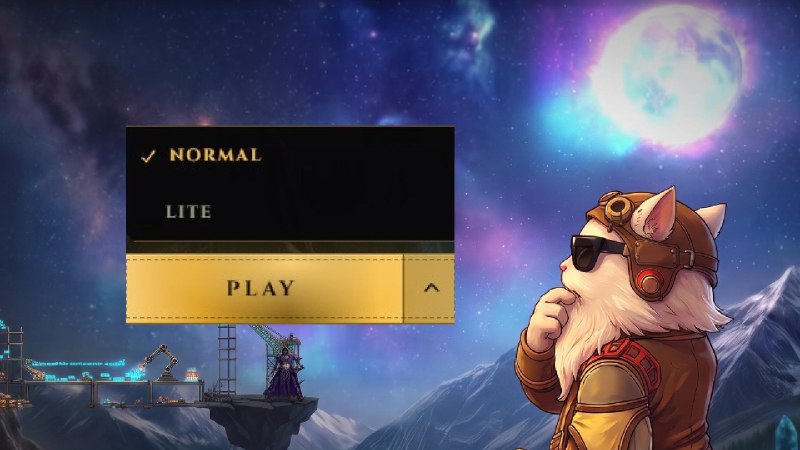
🧪 With so many players online, many of you may experience FPS drops during large-scale clan battles
Scryde is a free, classic-style MMORPG with 11+ years of history. Jump in and see for yourself:
Play Scryde →
We'd like to remind you about the Lite Patch and recommend switching to it whenever you're participating in massive PvP fights.
The Lite Patch disables animations, costumes, and other non-essential visual effects, freeing up system resources for smoother performance and higher FPS.
How to enable it:
In the Launcher window, click the arrow next to the "Play" button. A menu will appear where you can choose between the Standard and Lite Patch. Select Lite Patch → Play.
Source: Scryde Telegram